
Quick Answer: Firewall Configuration sets rules to allow trusted network traffic and block unauthorized access. It helps reduce security risks by controlling ports, connections, and suspicious network activity.
Firewall Configuration is the process of setting security rules that determine which network traffic can enter, leave, or move through a system. A properly configured firewall helps organizations reduce unauthorized access, control network connections, and protect servers, applications, and users from common cyber threats.
For businesses, security teams, and individual users, firewall configuration is more than simply blocking suspicious traffic. It involves defining trusted connections, limiting unnecessary access, monitoring activity, and regularly reviewing rules as the network changes. This guide explains how firewall configuration works, what rules matter most, common mistakes, and how it fits into a modern Cybersecurity Checklist.
Firewall Configuration at a Glance
- Purpose: Control and filter network traffic.
- Main control: Firewall rules and policies.
- Traffic direction: Incoming, outgoing, and internal network traffic.
- Common controls: IP addresses, ports, protocols, applications, and connection states.
- Security benefit: Reduces unnecessary exposure and unauthorized access.
- Best practice: Allow only required traffic and regularly review firewall rules.
What Is Firewall Configuration?
Firewall configuration refers to the process of creating and managing rules that control network communication. These rules tell a firewall what traffic should be allowed, denied, logged, or inspected. A firewall can operate on a network appliance, a server, an operating system, a cloud environment, or a security platform. Depending on the technology, administrators may create rules based on source and destination IP addresses, ports, protocols, applications, users, or other security conditions.
The basic principle is simple: traffic should receive access only when it meets an approved security policy. For example, a web server may need HTTPS traffic from the internet, while an administrative service should be accessible only from a trusted management network.
How Does Firewall Configuration Work?
A firewall evaluates network traffic against configured rules. When a connection request arrives, the firewall examines relevant information and determines what action the security policy requires. A simplified process looks like this:
Network Traffic → Firewall Inspection → Rule Matching → Allow / Block / Log → Destination
Identify Network Traffic
The firewall receives packets or connections and examines characteristics such as the source and destination addresses, protocol, and port.
Compare Traffic With Rules
The firewall checks the traffic against its configured policies. Rules may specify which systems can communicate and which services are available.
Apply the Security Decision
The firewall can allow the connection, block it, reject it, or log the activity, depending on the configuration and technology being used.
Monitor and Review
Security teams should examine firewall logs and alerts for unusual behavior, failed connections, unexpected services, or repeated access attempts. This final step is important because a firewall is not a “set it once and forget it” security control.
Key Components of Firewall Configuration
Effective configuration usually involves several important components.
IP Address Rules
IP-based rules control traffic according to source or destination addresses. Administrators can allow trusted systems or block known unwanted sources. However, relying only on IP addresses can be insufficient because addresses can change, be shared, or be abused.
Ports and Protocols
Ports identify network services, while protocols define how communication occurs. For example, web applications commonly use HTTP or HTTPS. Only the ports and protocols required for legitimate business operations should generally be exposed.
Application Based Controls
Modern firewalls may identify applications rather than relying exclusively on ports. This can provide more granular control over network activity.
Incoming and Outgoing Traffic
Inbound rules control traffic entering a system or network. Outbound rules control traffic leaving it. Organizations should consider both directions because compromised systems may attempt to communicate with external infrastructure.
Logging and Monitoring
Firewall logs provide visibility into network activity. Logs can help security teams investigate blocked connections, configuration problems, suspicious behavior, and possible attacks.
Step by Step Firewall Configuration
A practical configuration process should begin with understanding the environment rather than immediately creating rules.
Step 1: Map the Network
Identify important systems, servers, applications, users, cloud services, and network segments. Understand which systems need to communicate with each other.
Step 2: Identify Required Services
List the services that genuinely need network access. A public website may require HTTPS, while an internal database may need access only from specific application servers.
Step 3: Define Trusted Sources
Determine which users, devices, applications, or networks should be permitted to access each service.
Step 4: Create Specific Rules
Write rules that are as narrow as practical. Instead of allowing an entire network to access a sensitive service, restrict access to the systems that actually require it.
Step 5: Apply a Default Deny Approach
Where appropriate, configure policies so that unapproved traffic is denied rather than automatically trusted. Required exceptions can then be explicitly allowed.
Step 6: Test the Configuration
Testing should verify both legitimate and blocked traffic. A security rule is useful only if it protects the environment without unnecessarily disrupting required services.
Step 7: Monitor and Review
Review logs and firewall rules regularly. Remove outdated rules and investigate unexpected traffic patterns.
Firewall Configuration and Modern Cyber Threats
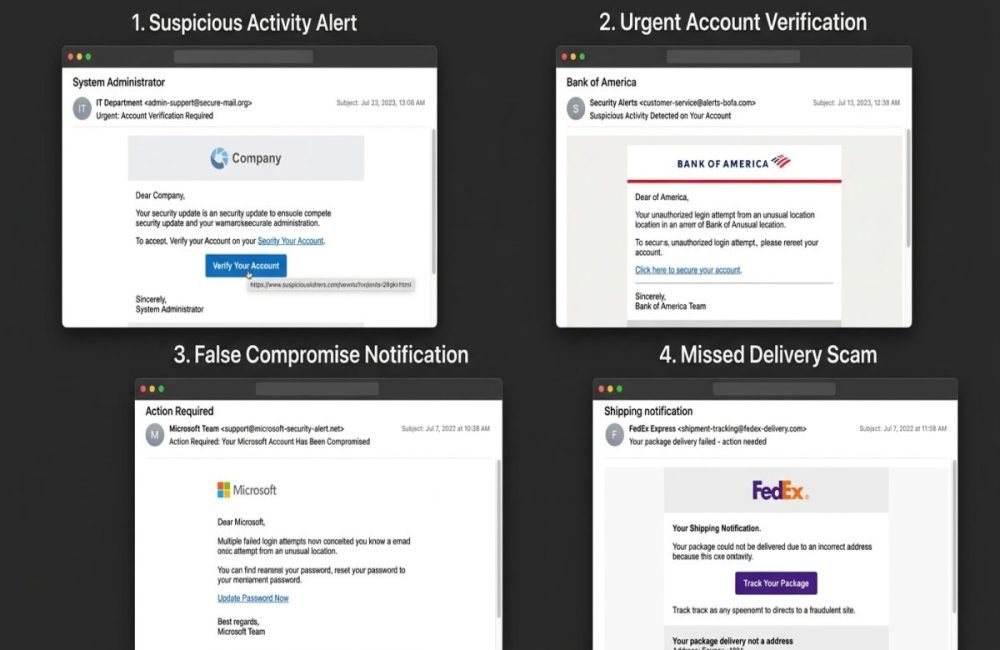
Firewalls remain important, but modern attacks often involve multiple stages and security layers. For example, Phishing Detection can help identify malicious messages before users interact with them, while a firewall can control the network connections that follow.
An AI Attack may also involve unusual or automated activity that traditional security controls do not fully understand. Security teams can combine firewall controls with endpoint protection, identity security, application security, and monitoring.
Firewall Configuration With AI Security
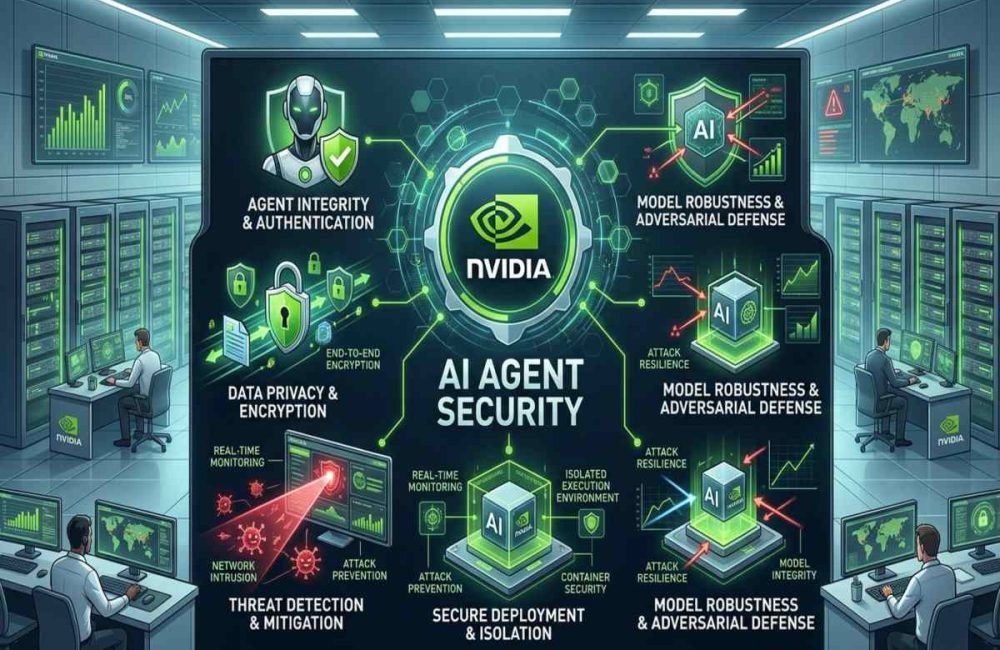
Agentic AI introduces additional considerations because AI agents may interact with websites, APIs, databases, cloud services, and other systems. Network controls can help limit where an AI-enabled application or agent is allowed to communicate. For example, an organization may restrict an AI application’s outbound connections to approved services rather than allowing unrestricted internet access.
However, firewall controls alone cannot prevent every AI security-related threat. Risks such as prompt injection, compromised credentials, malicious instructions, data exposure, or unsafe application behavior require additional security controls. The strongest approach is layered security rather than depending on one technology.
Common Firewall Configuration Mistakes
Poor configuration can reduce the effectiveness of a firewall. Common problems include:
- Overly broad allow rules: Permitting more traffic than necessary.
- Unused ports: Leaving unnecessary services exposed.
- Outdated rules: Keeping permissions that are no longer required.
- Weak outbound controls: Ignoring potentially harmful connections leaving the network.
- Poor logging: Failing to retain or review useful security events.
- Duplicate rules: Making policies difficult to understand and maintain.
- Temporary exceptions: Creating emergency rules and forgetting to remove them.
- No regular review: Allowing the firewall policy to become outdated.
A good firewall policy should be clear and easy for any security administrator to understand. At AiSecMaster, effective Firewall Configuration helps maintain secure network access and reduce common cybersecurity risks.
Firewall Configuration Best Practices
Organizations can improve their firewall security by following several practical principles.
Use Least Privilege
Give systems and users only the network access they actually need. Restrict sensitive services to trusted sources whenever possible.
Keep Rules Specific
A rule should have a clear purpose. Avoid unnecessarily broad address ranges, ports, or services.
Separate Network Zones
Network segmentation can limit how far an attacker can move if one system becomes compromised. Sensitive servers should not automatically have unrestricted access to every network.
Review Rules Regularly
Security requirements change. Applications are retired, employees change roles, infrastructure moves to the cloud, and new services are introduced. Regular reviews help identify unnecessary permissions.
Monitor Firewall Logs
Logging can reveal blocked attacks, configuration errors, unusual connections, and signs of compromise. Logs are most useful when they are actively monitored and integrated with broader security monitoring.
Document Changes
Record why important firewall rules were created, who approved them, and when they should be reviewed. Documentation makes troubleshooting and security audits easier.
Firewall Configuration Checklist
Use this practical Cybersecurity Checklist when reviewing a firewall:
- Identify all important network assets.
- List required applications and services.
- Review inbound access rules.
- Review outbound access rules.
- Remove unnecessary open ports.
- Restrict sensitive services to trusted sources.
- Check for overly broad permissions.
- Enable appropriate logging.
- Review suspicious or unexpected traffic.
- Remove obsolete rules.
- Test important security policies.
- Document significant configuration changes.
- Schedule regular firewall policy reviews.
- Combine firewall controls with endpoint, identity, and application security.
When Should Firewall Rules Be Updated?
Firewall rules should be reviewed whenever the network or security requirements change. This includes launching a new application, moving services to the cloud, changing network architecture, retiring systems, responding to a security incident, or introducing new remote access requirements.
Regular reviews are also valuable even when no major infrastructure change has occurred. Old permissions can become unnecessary over time and increase the organization’s attack surface.

Conclusion
Effective Firewall Configuration is about controlling network access deliberately rather than simply blocking everything. By identifying required services, restricting unnecessary connections, applying least privilege principles, monitoring logs, and reviewing rules regularly, organizations can reduce their exposed attack surface. Firewalls should also be treated as one layer of a broader security strategy. Combining network controls with Phishing Detection, endpoint protection, identity security, application security, and controls for Agentic AI can provide stronger protection against modern threats.
For AiSecMaster readers, the practical next step is to review existing firewall rules using the checklist above and identify permissions that are unnecessary, overly broad, undocumented, or no longer required.
Frequently Asked Questions (FAQs)
What is the main purpose of firewall configuration?
The main purpose is to control network traffic according to security policies. It determines which connections should be allowed, blocked, or monitored.
Is firewall configuration important for small businesses?
Yes. Small businesses can also face unauthorized access, malware, phishing-related threats, and compromised devices. A properly configured firewall can reduce unnecessary network exposure.
Should all firewall traffic be blocked?
Not necessarily. Required business traffic must be allowed. A practical security policy generally focuses on allowing necessary communication while restricting unnecessary access.
How often should firewall rules be reviewed?
Rules should be reviewed regularly and whenever significant infrastructure, application, access, or security changes occur.
Can a firewall stop phishing attacks?
A firewall is not a complete phishing solution. Phishing Detection operates at other security layers, such as email and web protection. Firewalls can still help control network connections associated with malicious activity.
Can firewalls protect against AI attacks?
Firewalls can provide network-level controls around AI systems, but they cannot address every AI Attack. AI security requires additional controls for applications, identities, data, models, agents, and user interactions.



One Response